
Add content to the content hub
In this article, you’ll learn how to add content to the emlen content hub. This hub is your central place for organizing sales content, making it easy for your sales team to access.
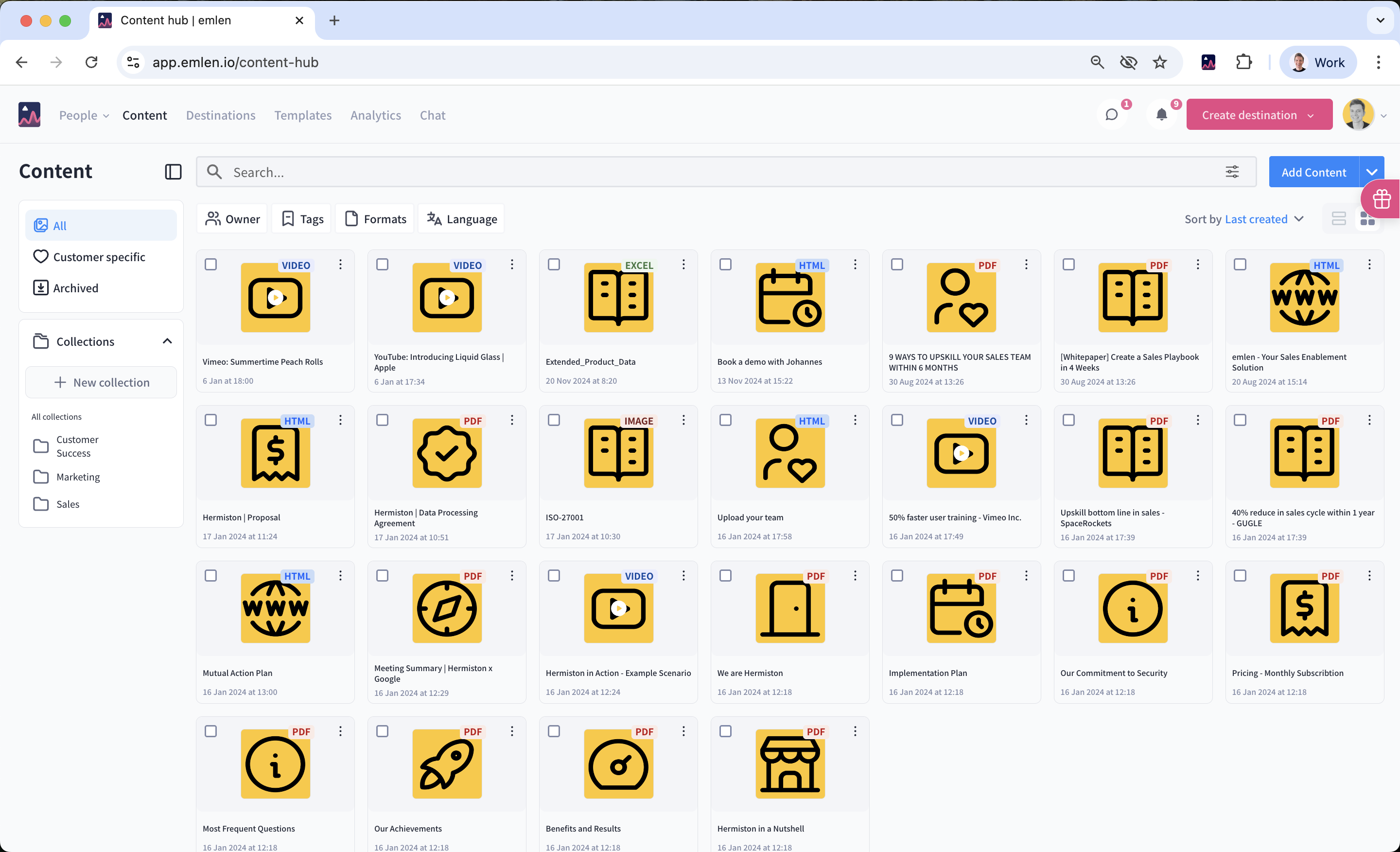
Before uploading your content items, we recommend to set up content thumbnails and tags, but you can skip this and do it later if you prefer.
To add content, click on “Add content” in the hub. You can upload:
- Presentations: pdf, ppt, pptx, key
- Documents: doc, docx
- Spreadsheets: xls, xlsx
- Images: jpg, png, tiff, tif
- Sound: mp3
- Videos: mp4, mov
- Archive: zip, rar
- Web links: html
After adding your content, make sure to edit the metadata:
- Title (required and visible to customers)
- Thumbnail (recommended)
- Tags (recommended, especially if you have over 20-30 content items)