
Surveys (SurveyMonkey, Typeform, etc.)
You can use these tools to create surveys and generate public links for emlen:
- Google Forms
- SurveyMonkey
- Typeform
- Microsoft Forms
- HeySurvey
- SurveyHero
- Jotform
⚠️ Ensure the link doesn’t require sign-in! For example, Google Forms can require sign-in unless you choose the right sharing option.
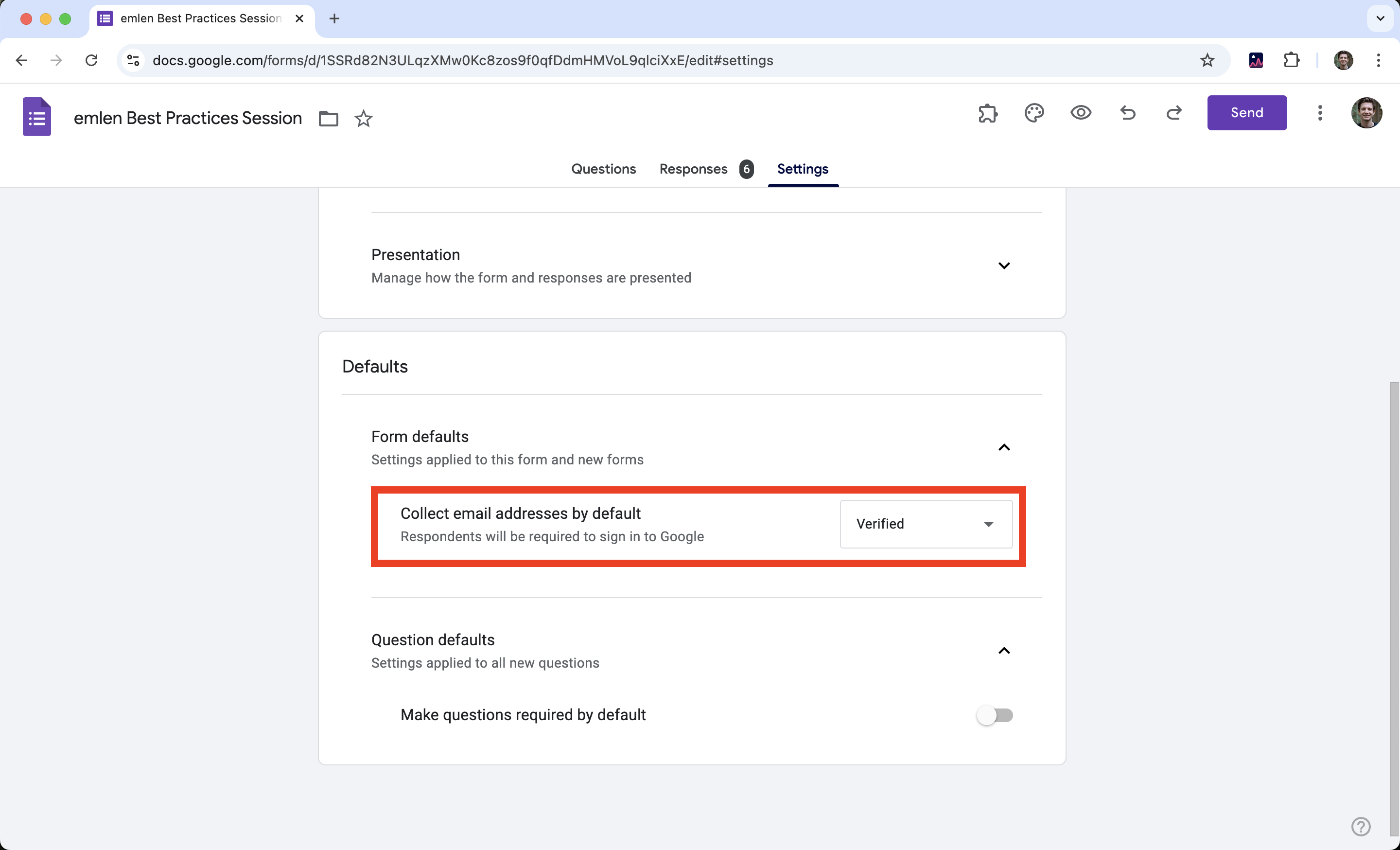
Tip: Test the link in incognito mode to confirm it works without signing in before adding it to emlen.
Here is a general guide to generate public survey links:
- Create the Survey: Add questions and customize settings.
- Find the Share Option: Look for the ‘Share,’ ‘Publish,’ or equivalent section.
- Copy the Public Link: Ensure the link allows access without sign-in.
- Add the Link to emlen: Share it with your audience.
By following these steps, your survey will be accessible and easy to complete for everyone.