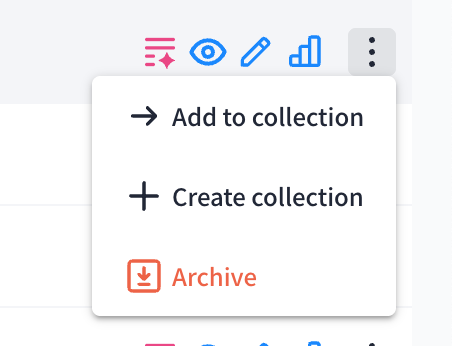
Edit content
❗️Important: After updating a content asset, the changes will take affect in all Destinations where the content is included.
Replacing the file
If you’ve created an updated version of a content asset, edit the existing item instead of uploading it again. To do this, click “Edit.”
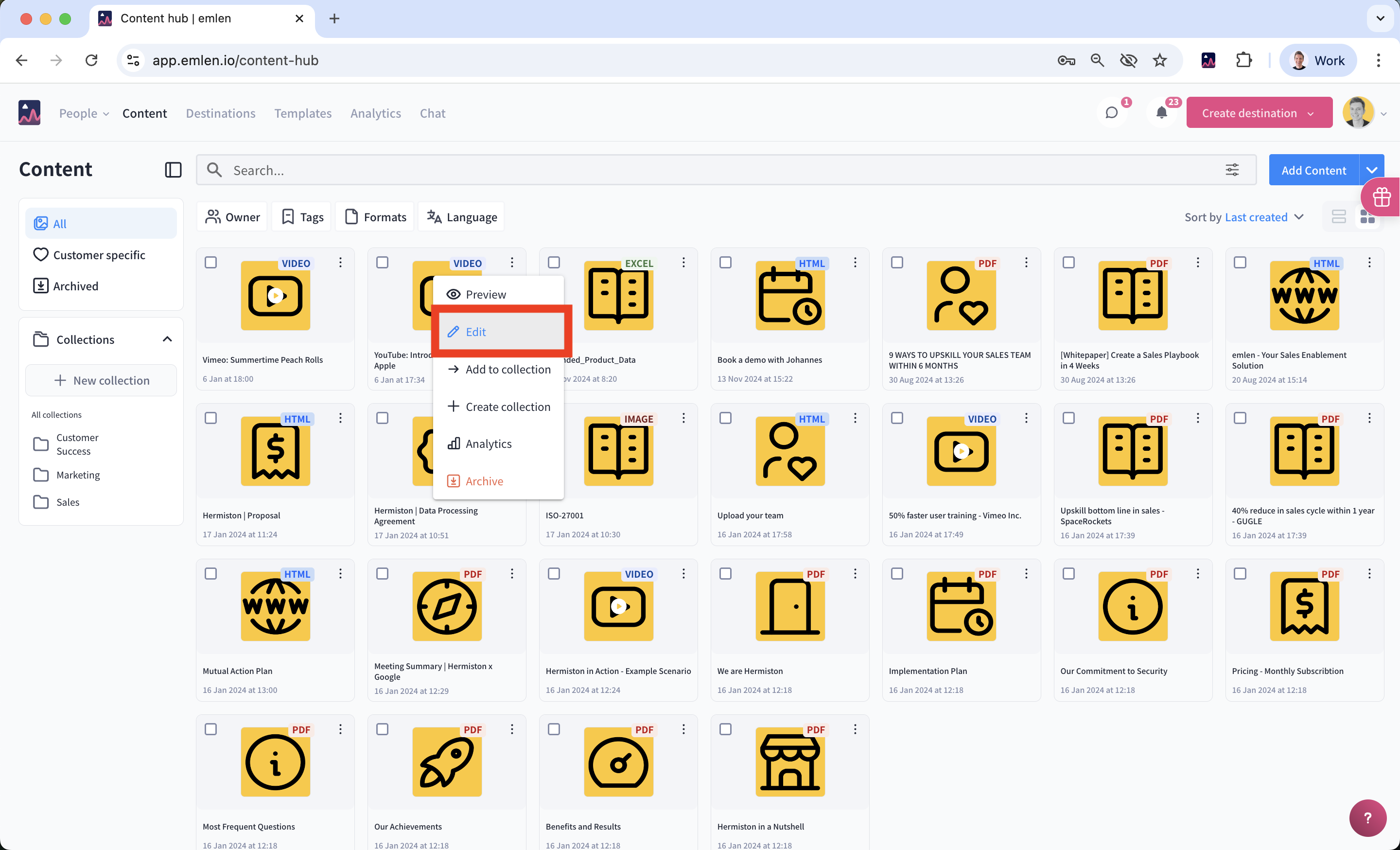
Then upload the new file by clicking “Change” or by dragging and dropping it into the field. After you are done, click on "Save".

Updating metadata
When you want to update the content metadata, e.g.
- Title
- Thumbnail
- Tags
Please proceed in a similar way. Click on "Edit", do the changes and then click on "Save".
Archiving / deleting content
Content can't be deleted but archived. Once archived, the content is removed from the destination. You can unarchive it anytime and it will appear again in all destinations that it was used in before.