Google Docs
Advantages:
- Efficiency: Once you’ve added a Google Docs link to emlen, any updates made in Google Docs will automatically reflect in emlen—no need to re-upload the file
- Collaboration: Share files in edit mode to collaborate with prospects (e.g., on spreadsheets)
- Better Display: Spreadsheets look better than with Microsoft Excel
Sharing Docs in normal mode
To share Docs exactly as they appear in your browser, follow these steps:
- Click on "Share"
- Under “General access,” set “Anyone with the link.”
- Choose role: Viewer, Commenter, or Editor, depending on your prospect’s access needs
- Copy the link
- Add the link to emlen
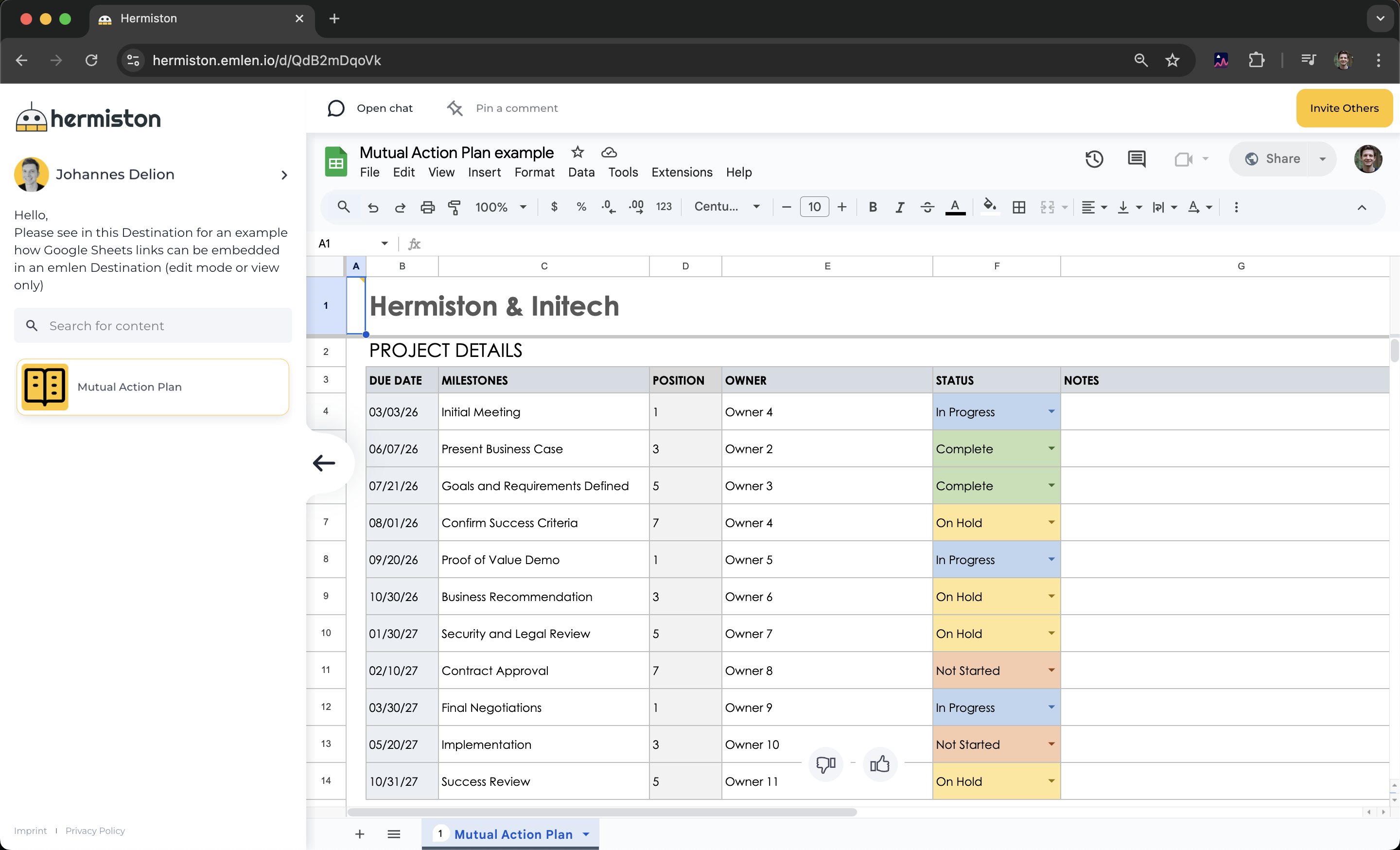
This approach is best for text documents (Google Docs) and spreadsheets (Google Sheets).
Sharing Docs in presentation mode
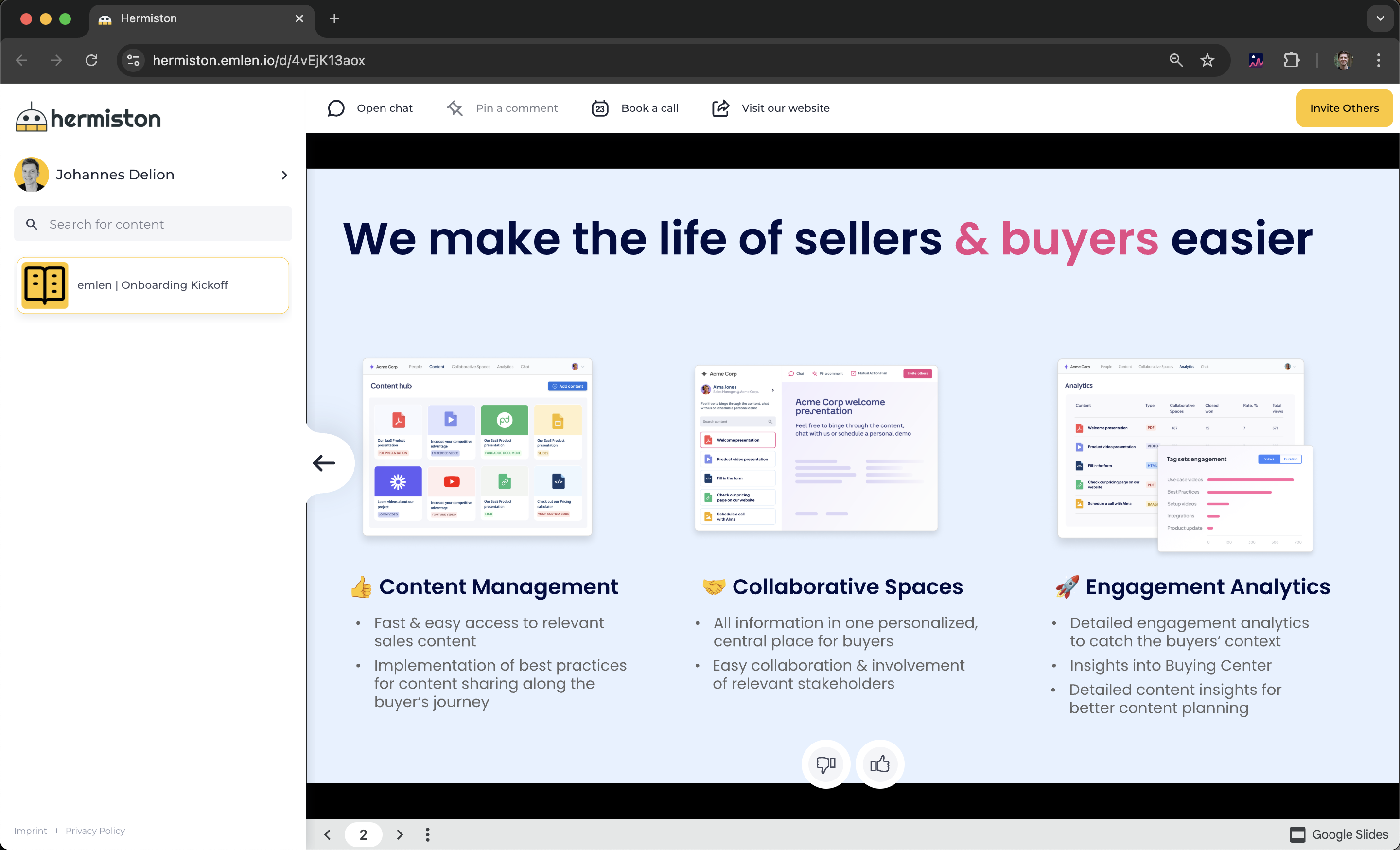
Ideal for Google Slides.
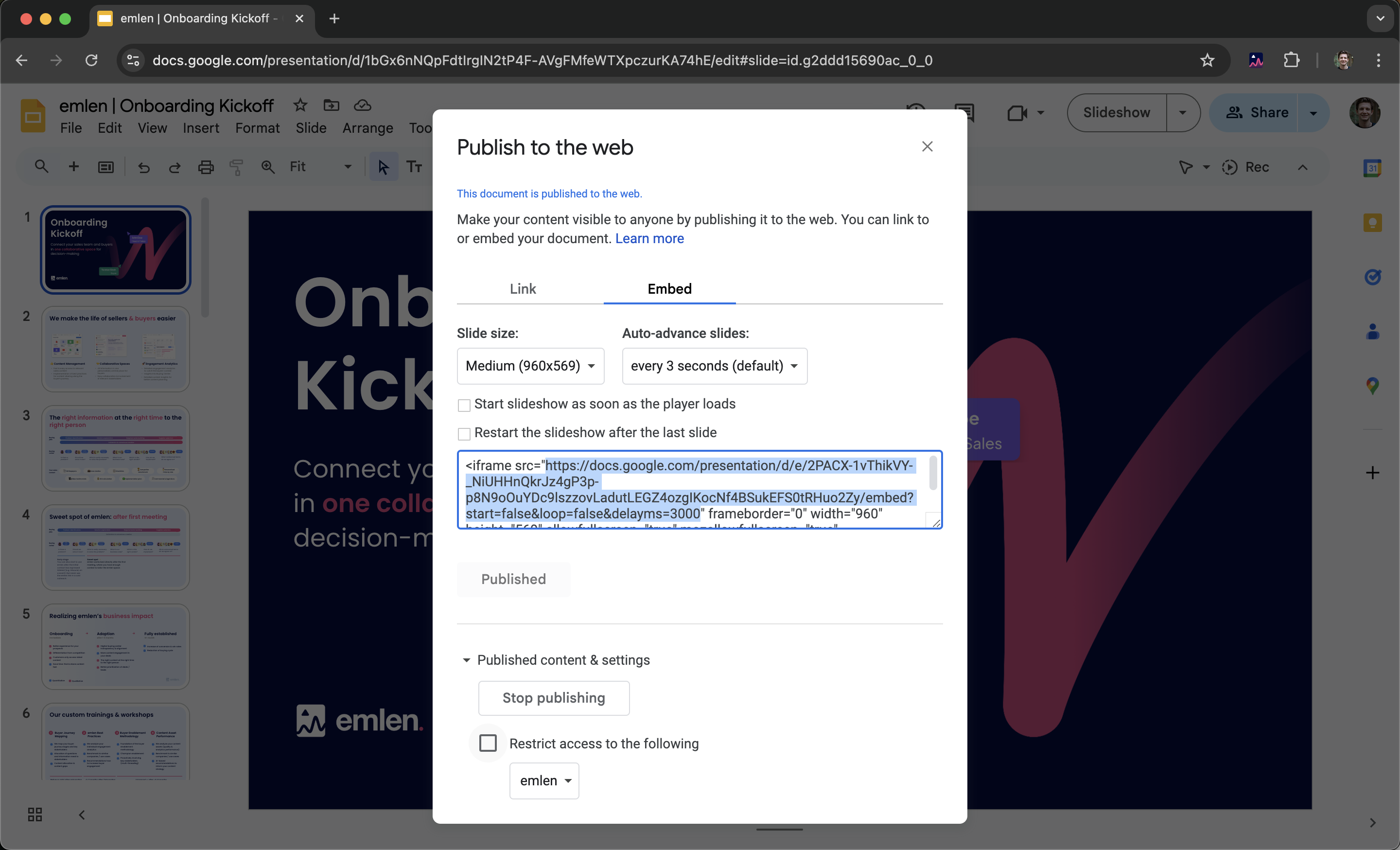
- Go to File -> Share -> Publish to web
- Select Embed -> Publish
- Copy the URL inside the quotes ("")
- Add the link to emlen