
Collaboration (Miro, Figma, etc.)
You can embed certain tools into emlen for seamless collaboration with your buyers. Here’s how:
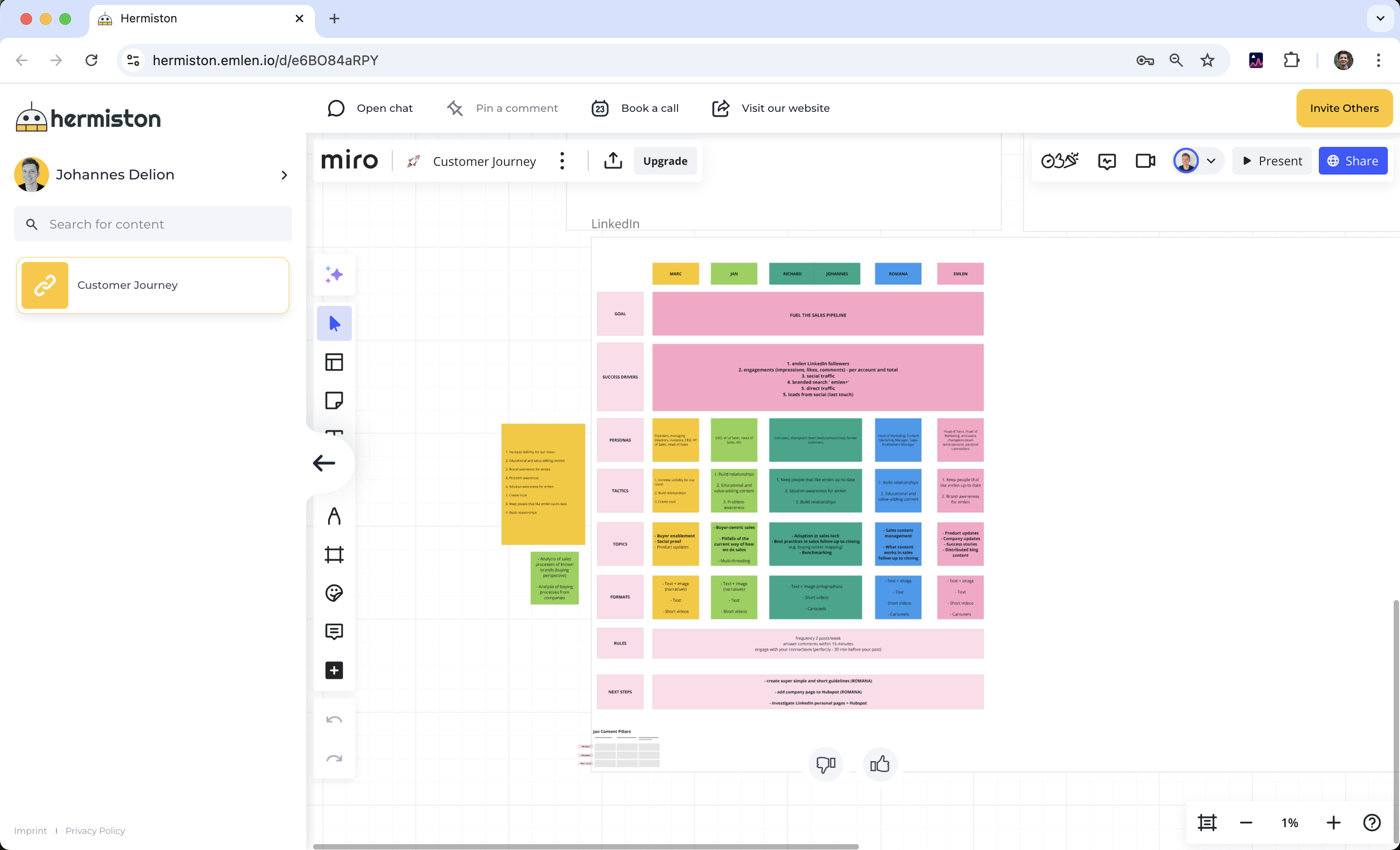
Miro
You can embed Miro board links in edit mode by simply copying and pasting the link into emlen.
 Figma
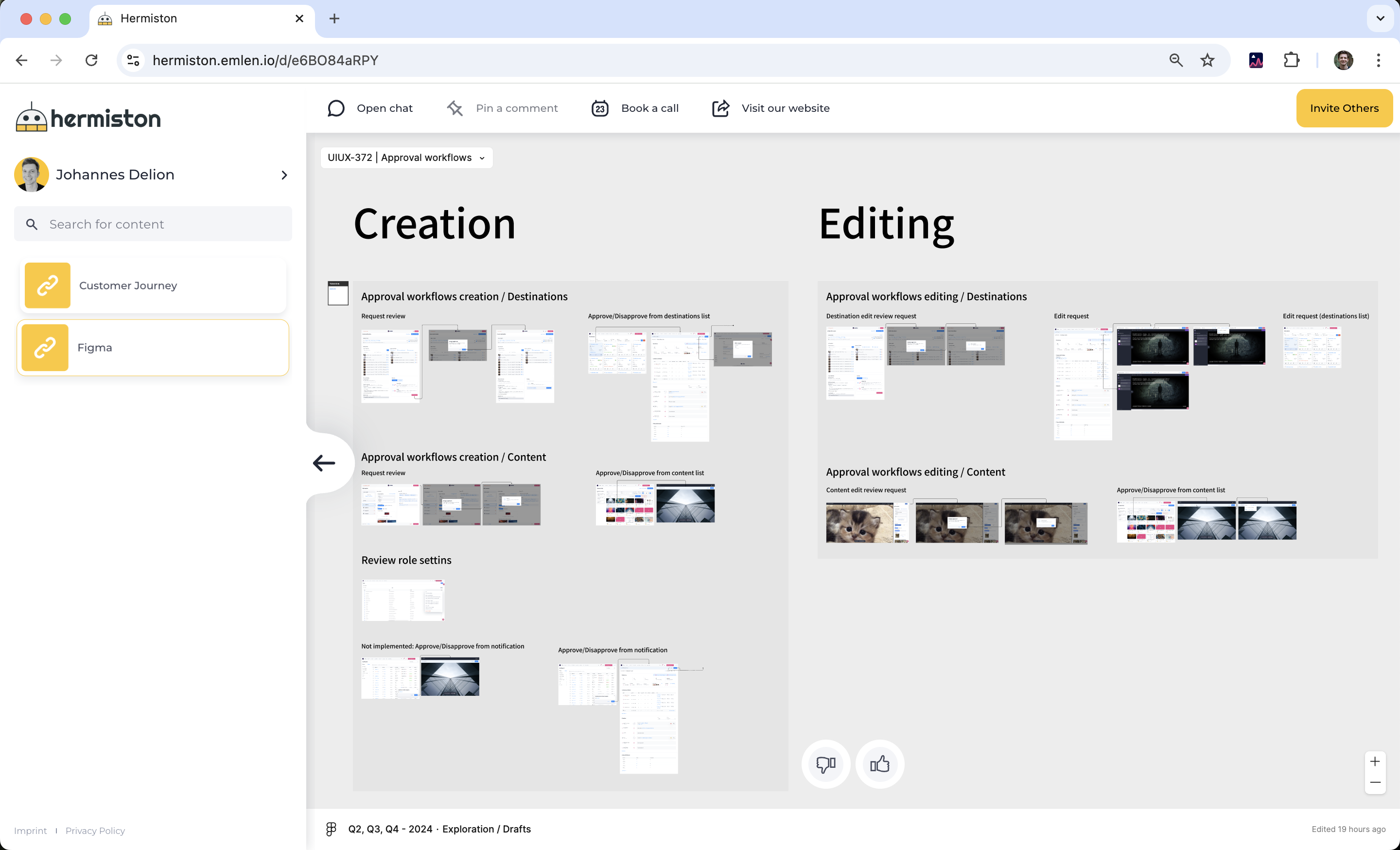
Figma
Figma files can be shown in view mode embedded in emlen. You need to generate an embed link.
- Click on Share
- Select Get embed code
- Copy the weblink (inside quotes “”)
- Add it to emlen
For edit mode:
- Use the standard sharing link
- Set it to "open in new tab" when adding to emlen
Office documents
Spreadsheets (Google Sheets / Excel 365)
- Ideal for ROI calculations or business cases
- Use Google Sheets or Excel 365
- Excel 365 requires “open in new tab” as edit mode embedding isn’t supported
Presentations (Google Slides / PowerPoint 365)
- Great for collaborating on slide decks
- Use Google Slides or PowerPoint 365
- PowerPoint 365 requires “open in new tab” for edit mode