Branded email templates for Destination updates
You can send emails with a link to the Destination directly from emlen. This feature is useful for:
- Initial sendouts (like sales follow-ups)
- Notifications about Destination updates
To create an email template, go to email settings, scroll to “Email templates,” and click “Create template.”
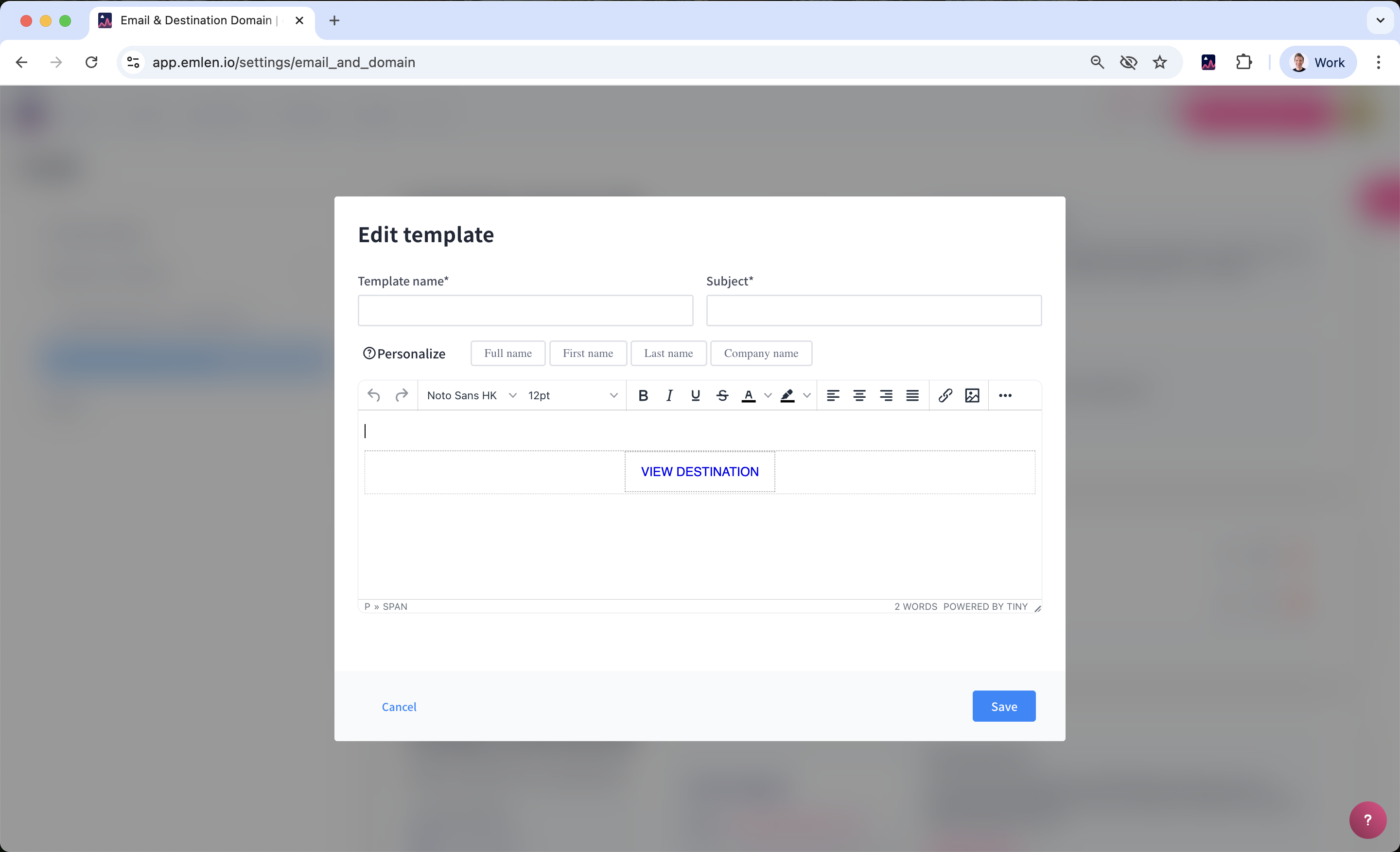
Here, you can create your branded templates. We recommend creating at least one for Destination update notifications, as this is the most common use.
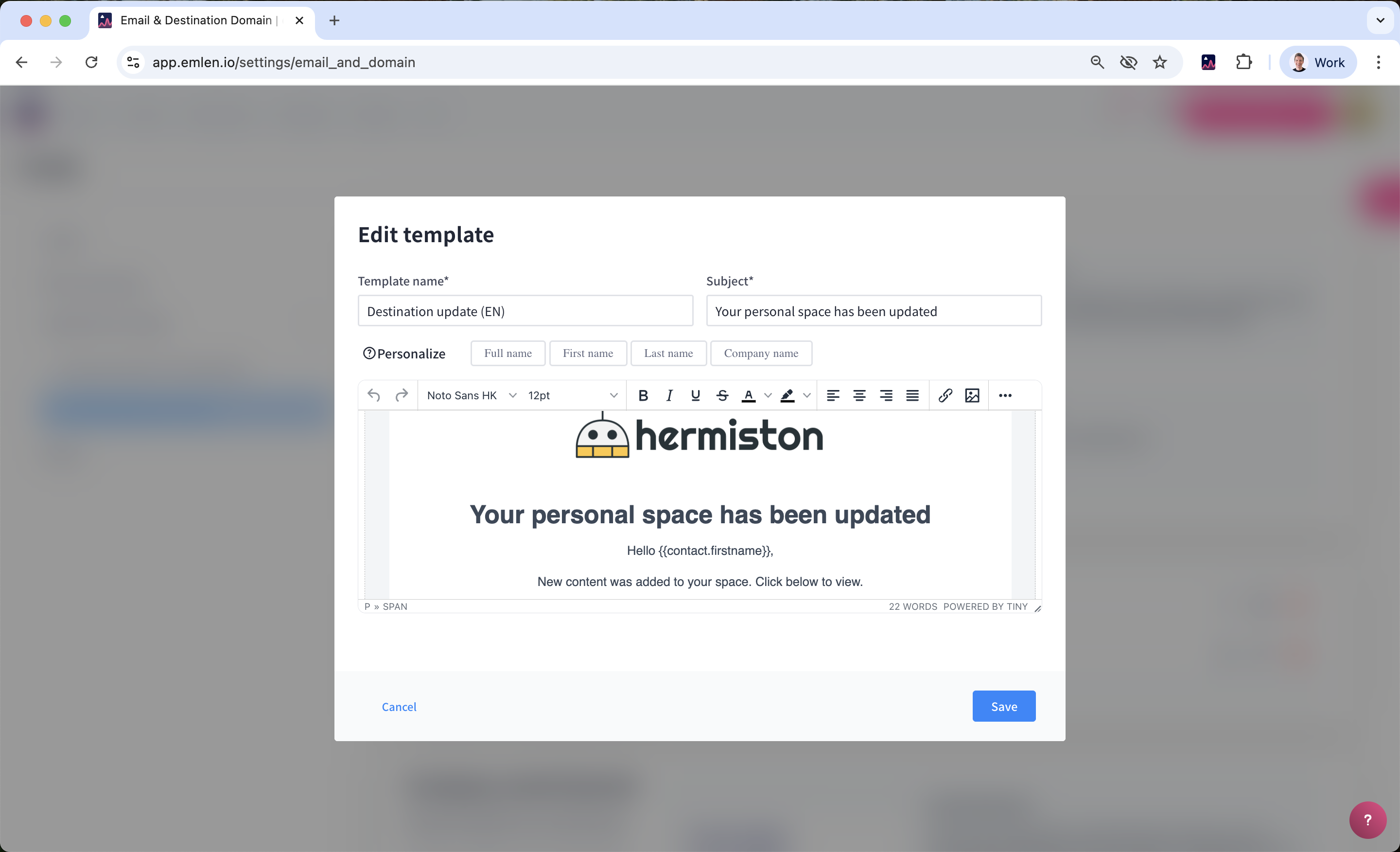
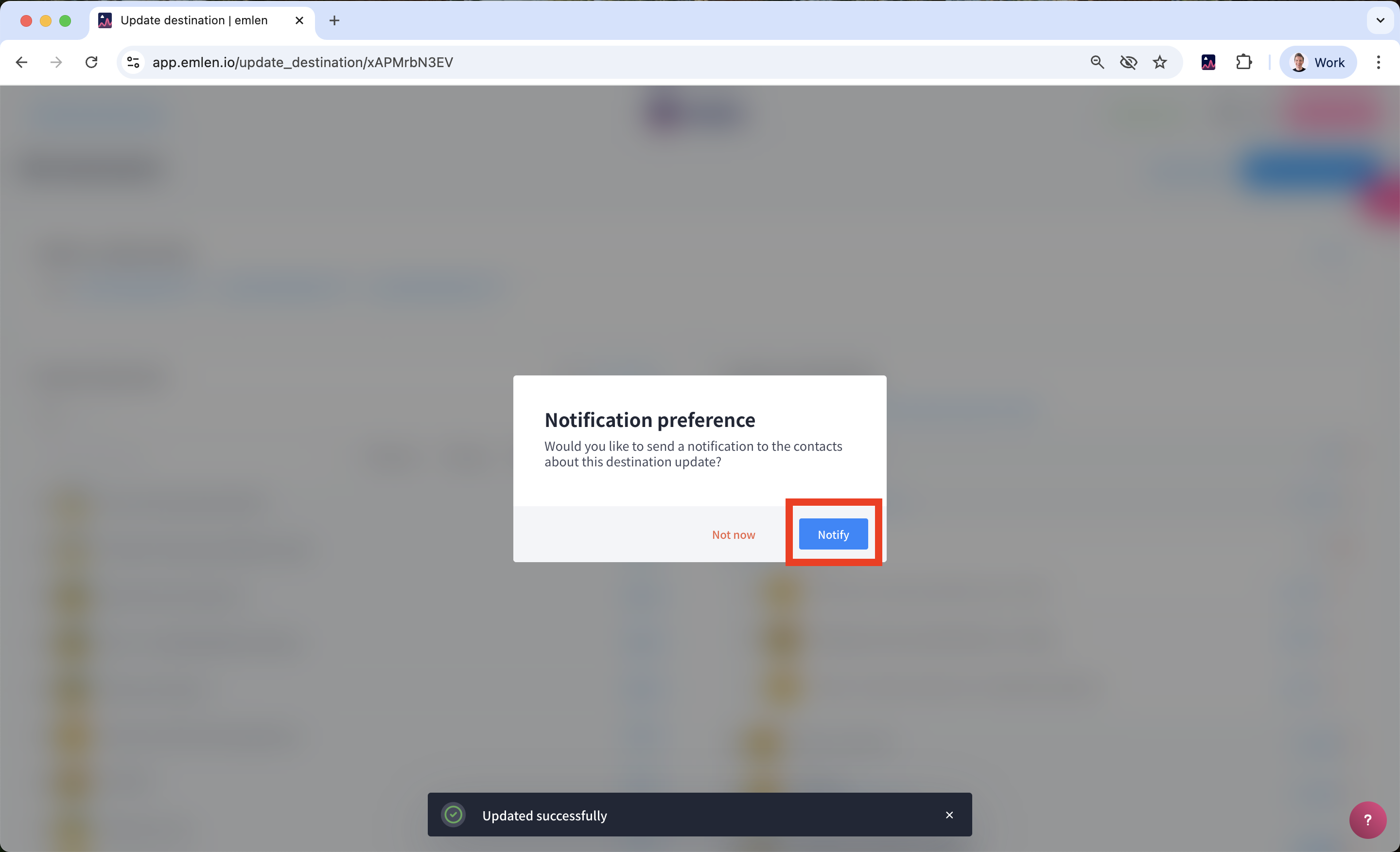
With this template, you can inform your customers with just two clicks after updating a Destination.
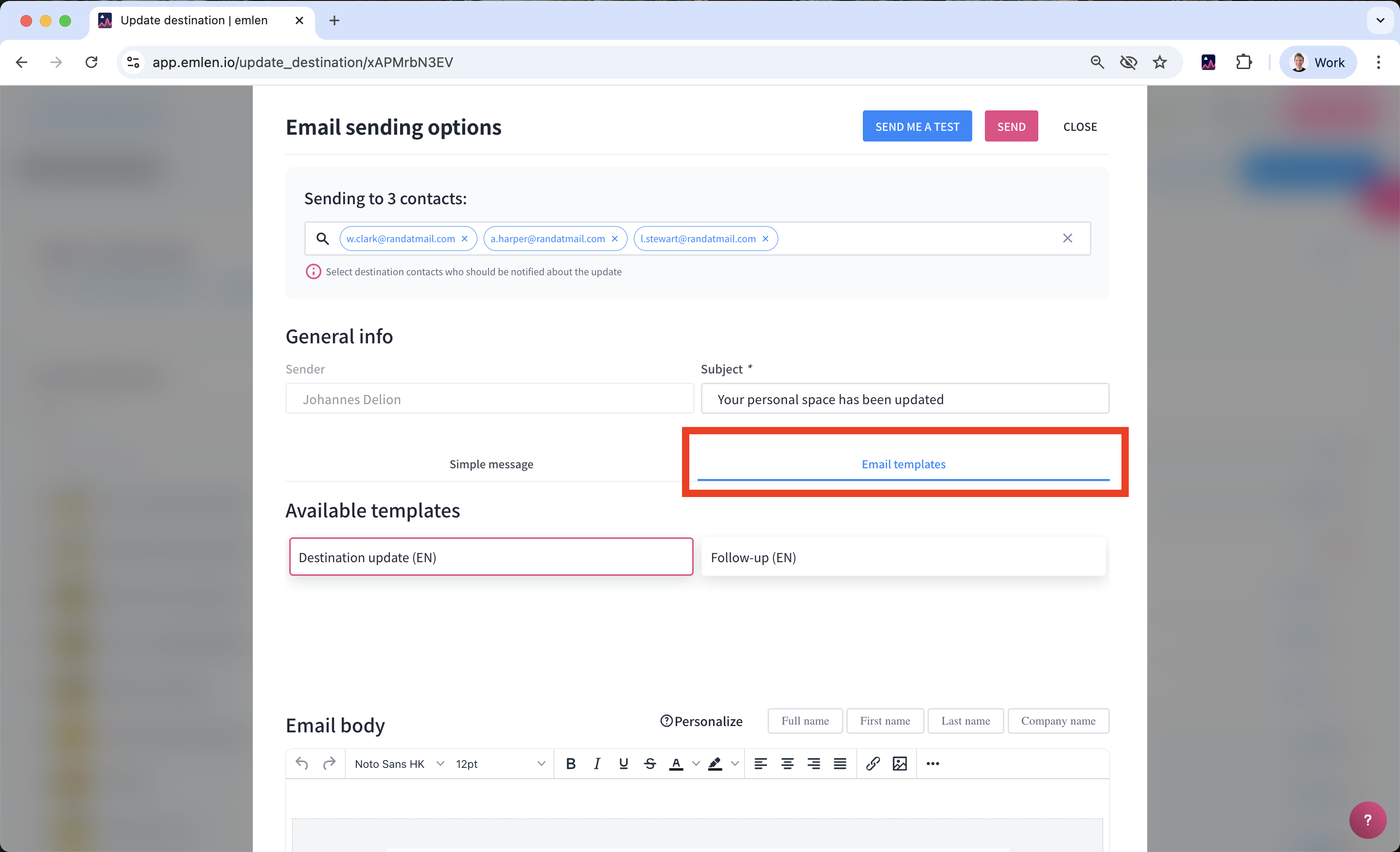
You can also create a template for typical sales follow-ups.
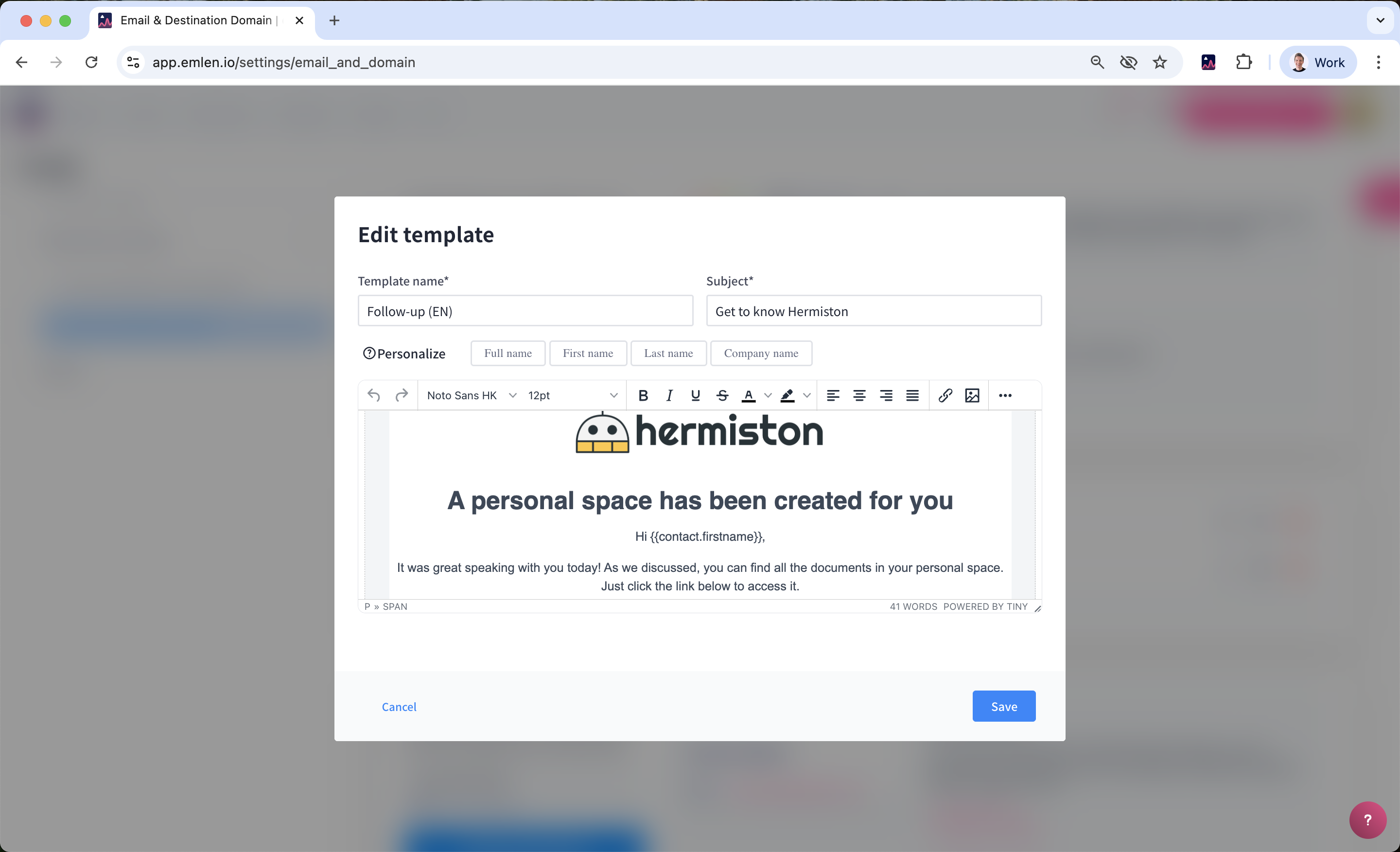
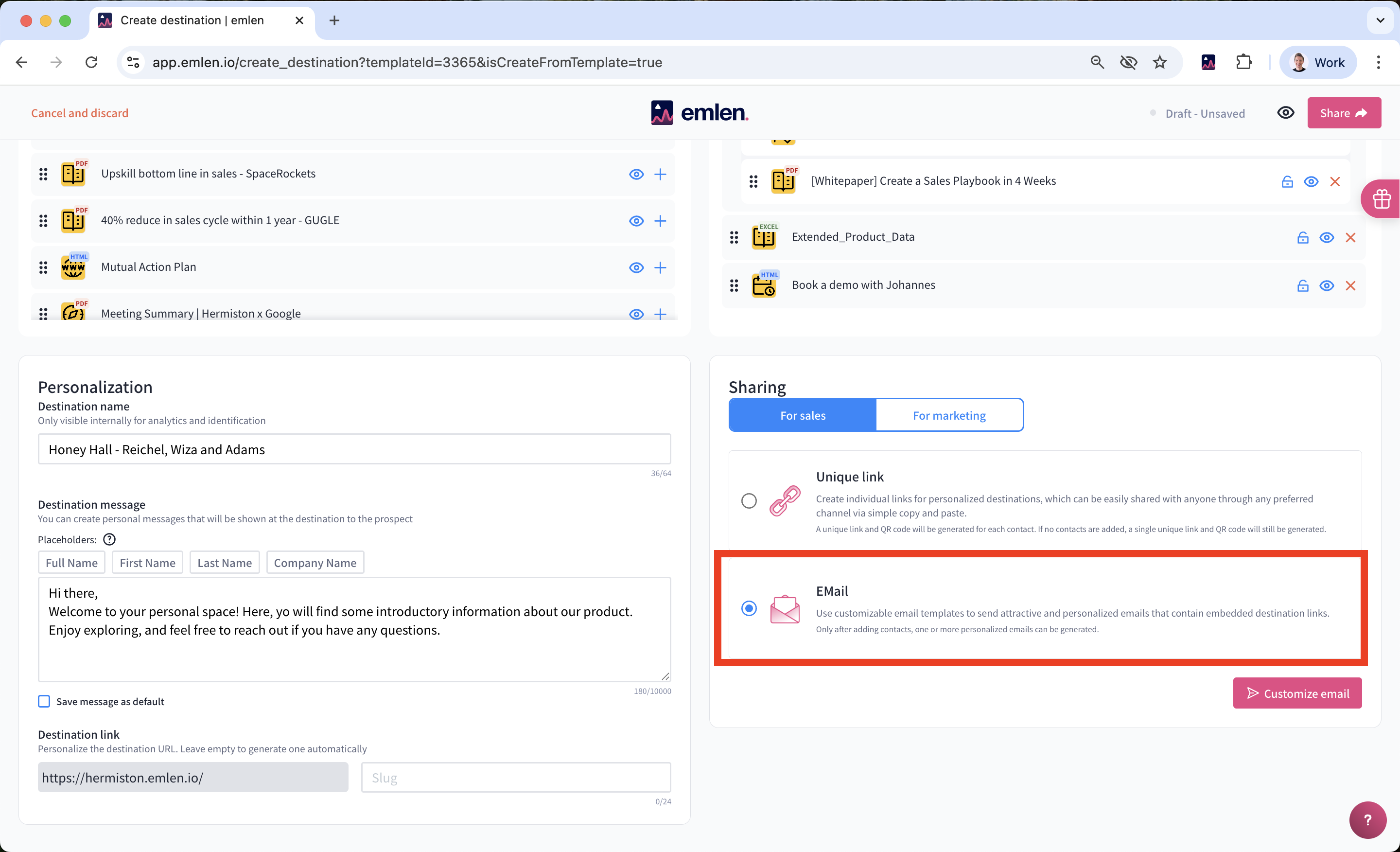
When sending the initial Destination email, simply select “E-Mail” as the sharing option.