
Single sign-on (SSO)
SSO can be enabled for your organization as part of the Enterprise Package or as an add-on.
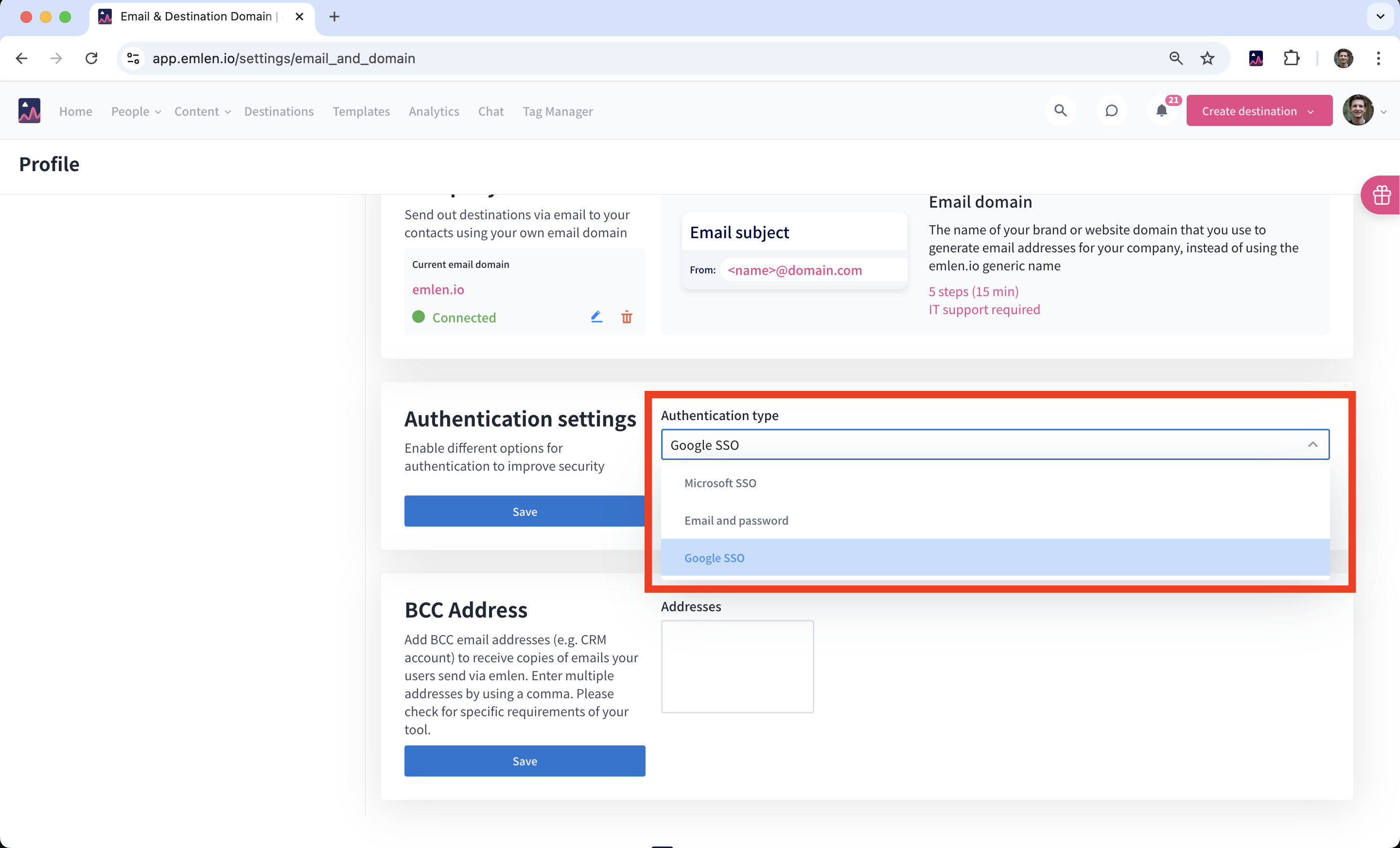
Google SSO
You can easily set it up yourself here under “Authentication settings.”
Azure SSO
1. Create an Enterprise application for Microsoft Entra ID SSO
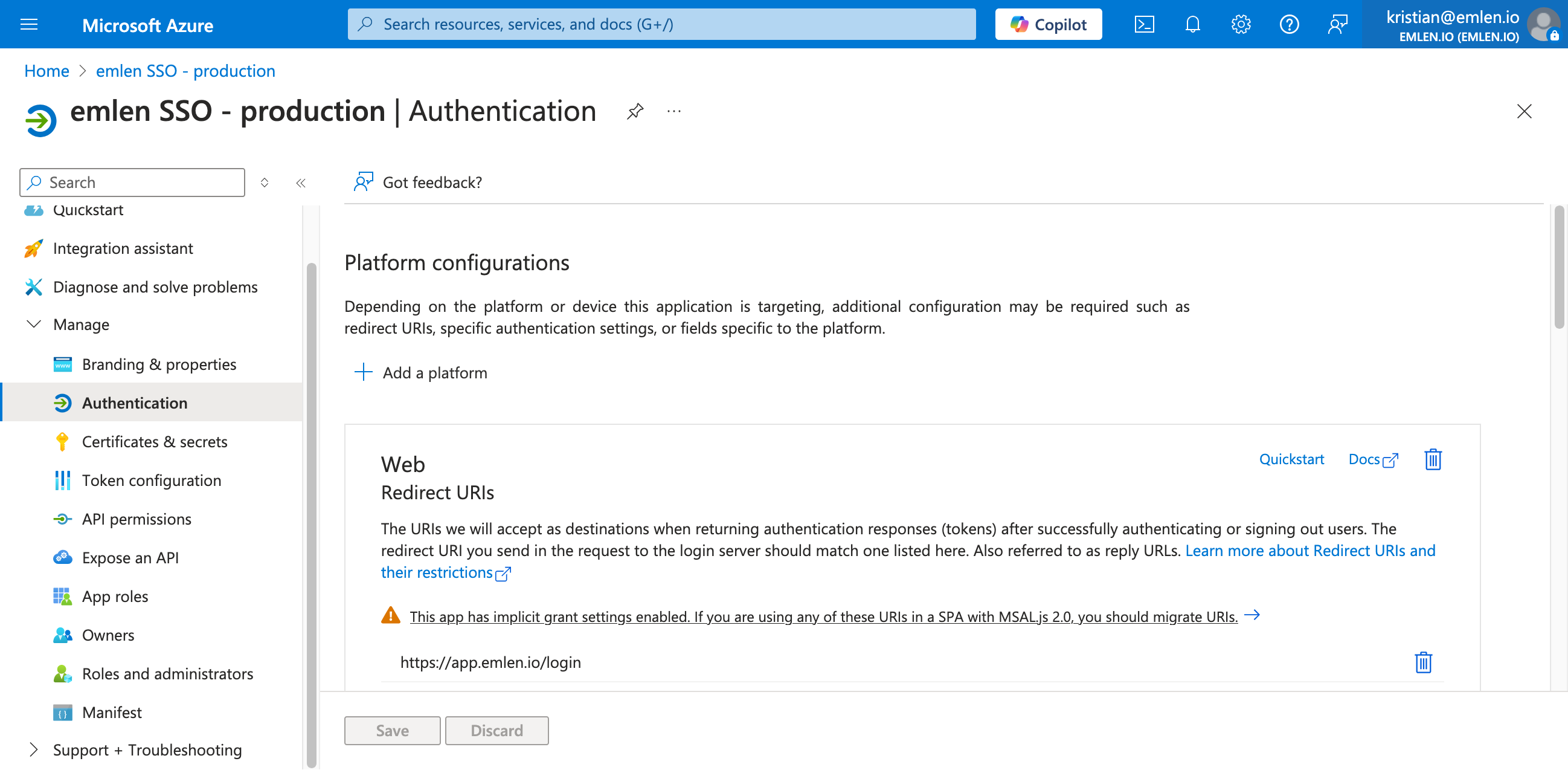
2. Add a Web Redirect URL
In the Authentication section, add a Web Redirect URL to https://app.emlen.io/login
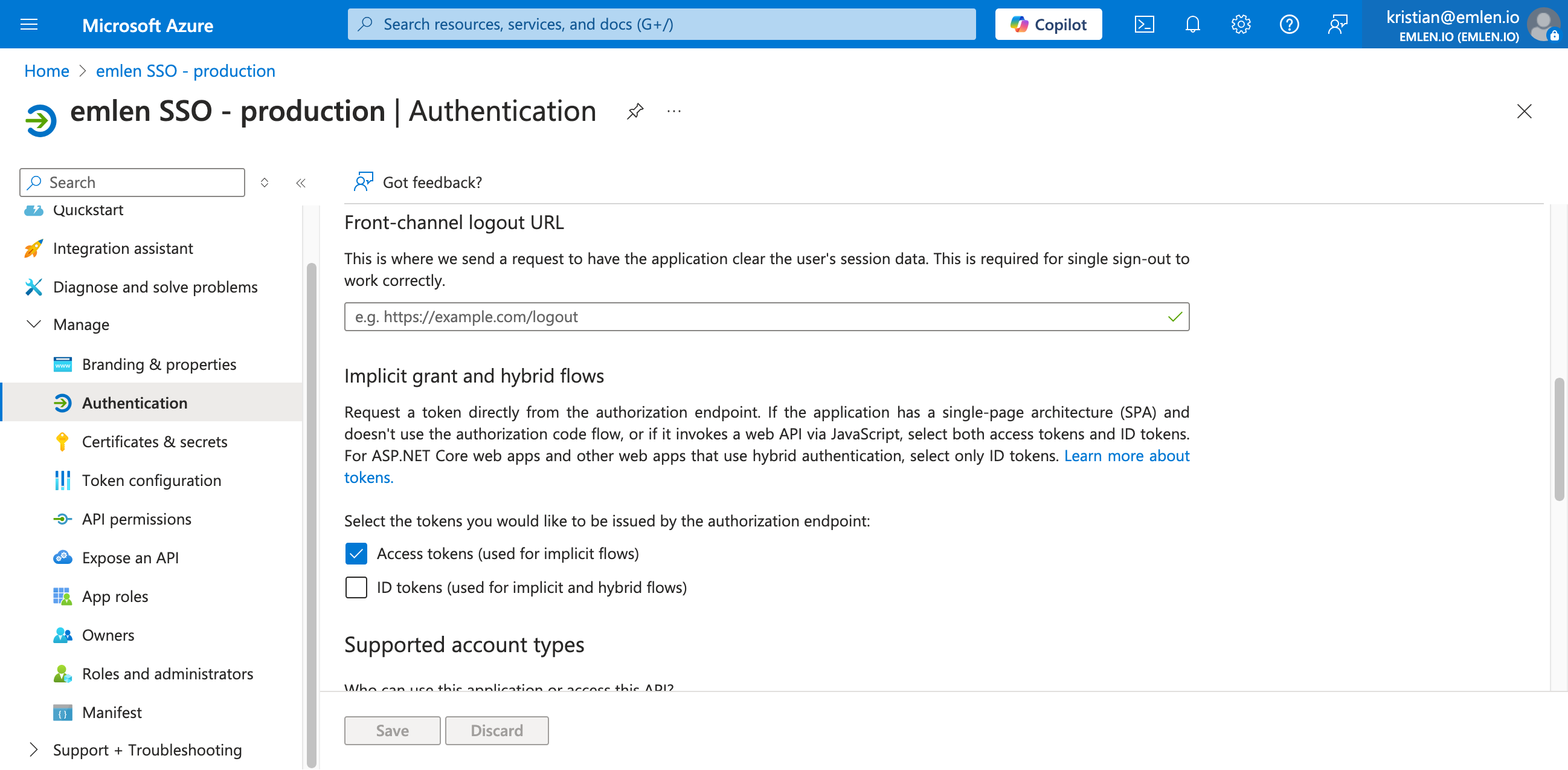
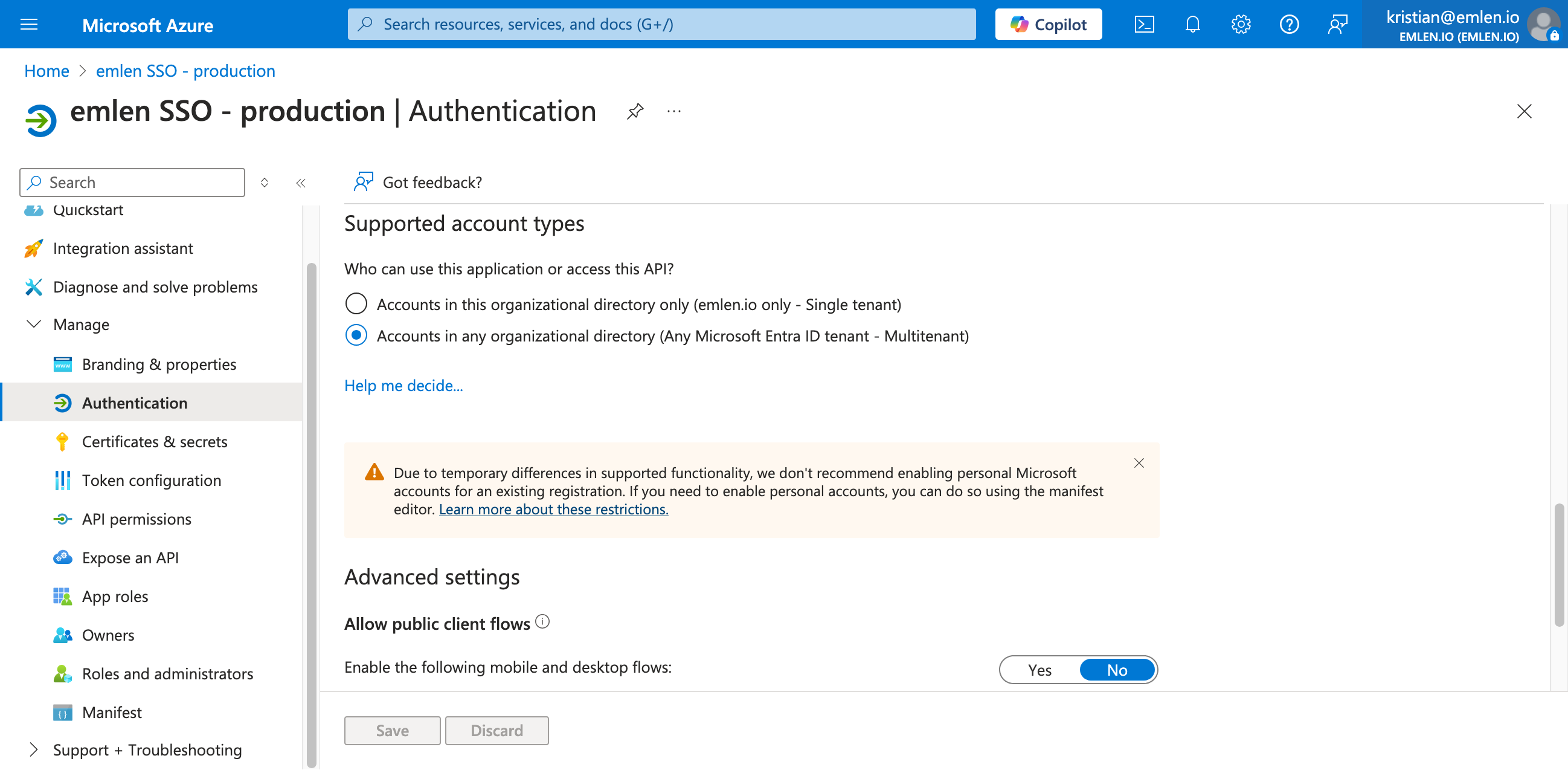
3. Generate a Client secret
You can do it from this page:
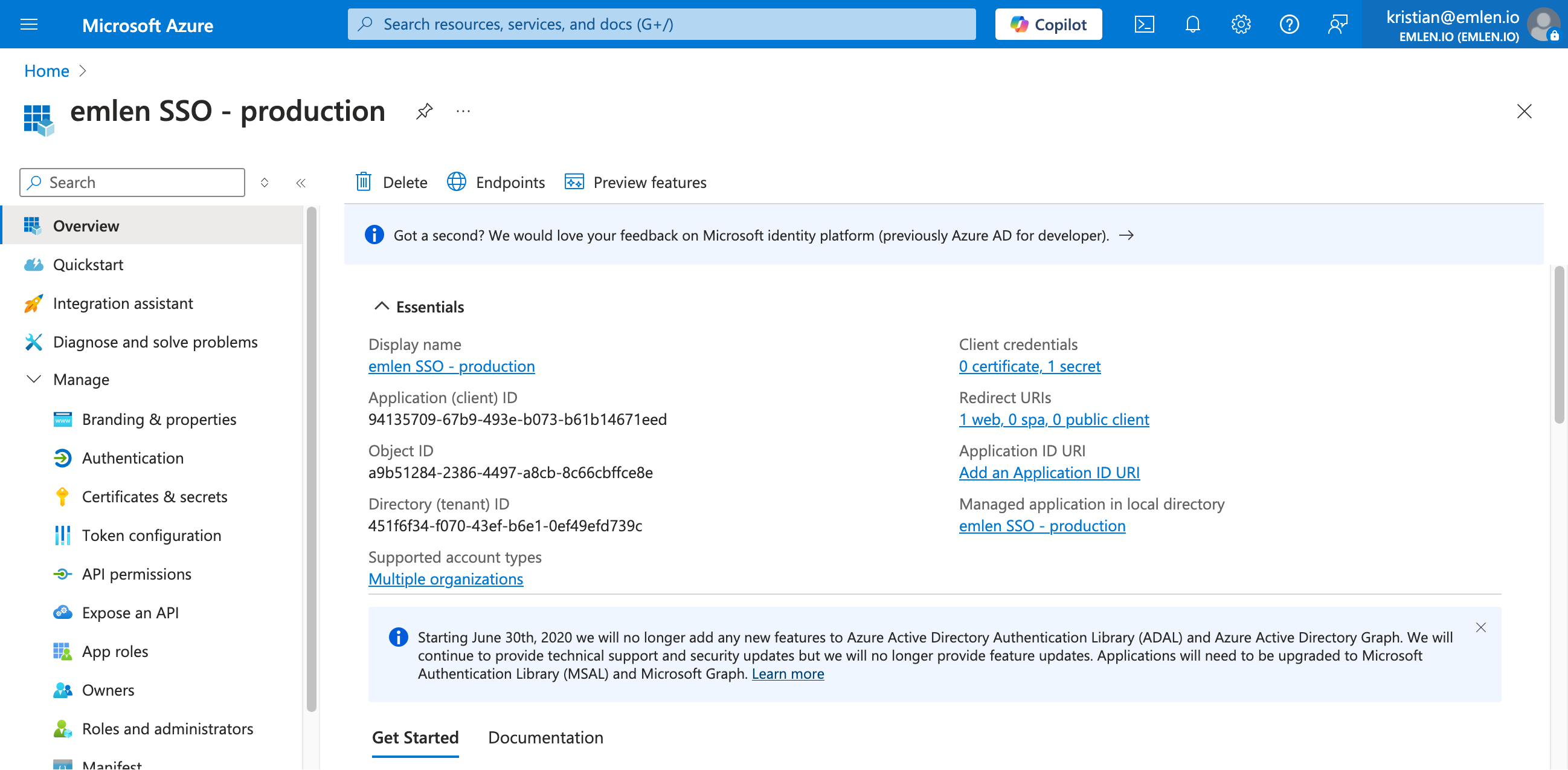
4. Provide these details to us:
- Application (client) ID
- Client secret
- Directory (tenant) ID
We will then enable Azure SSO for you on our end.