
Your own company webpage
Embedding your entire website into emlen isn’t ideal. Instead, embed key subpages like pricing or case studies.
For embedding, your website must be able to be displayed within an iframe. If not, emlen will suggest opening the link in a new tab, which works in all cases.
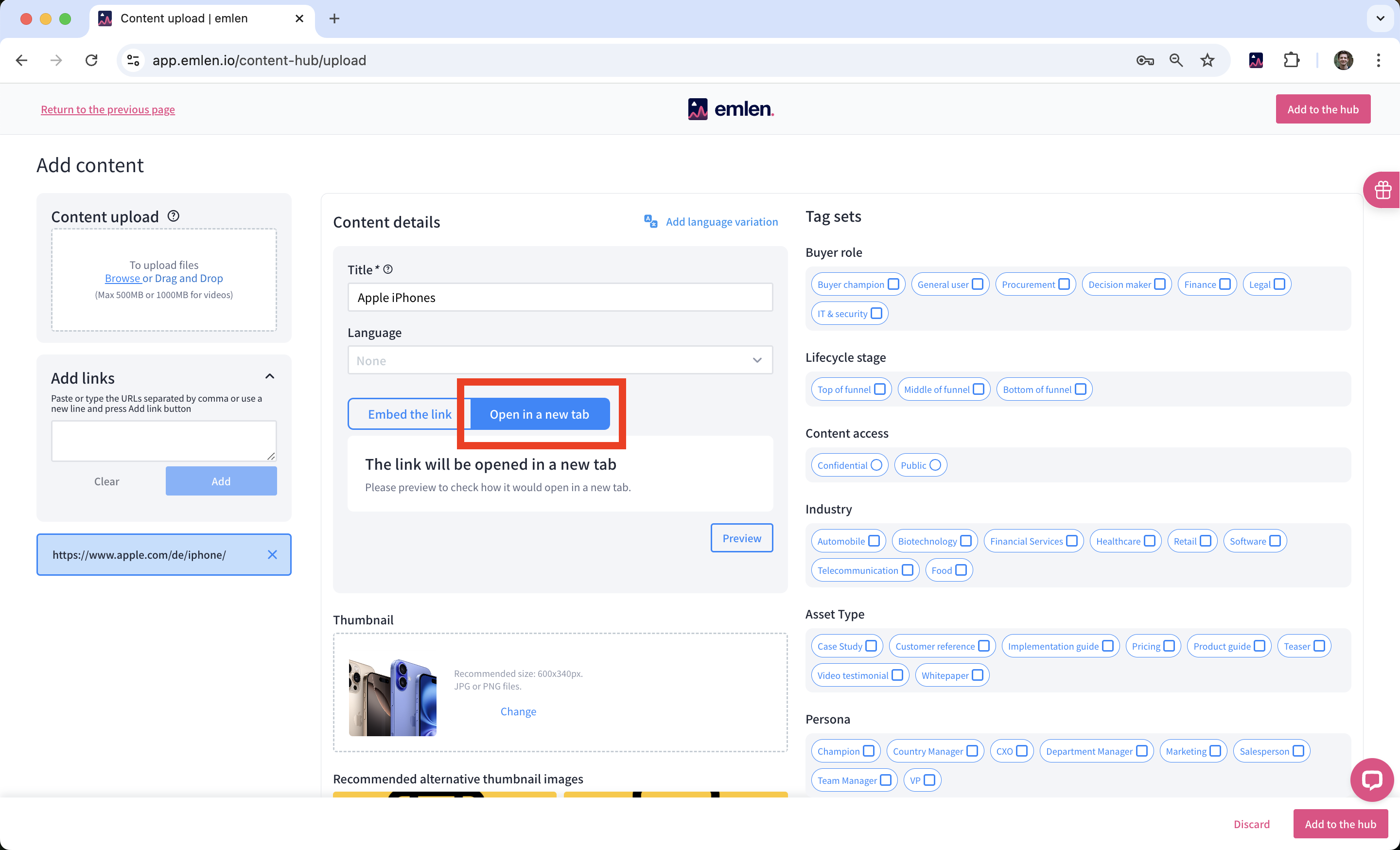
If you try “Embed the link” without iframe support, you’ll see an error.
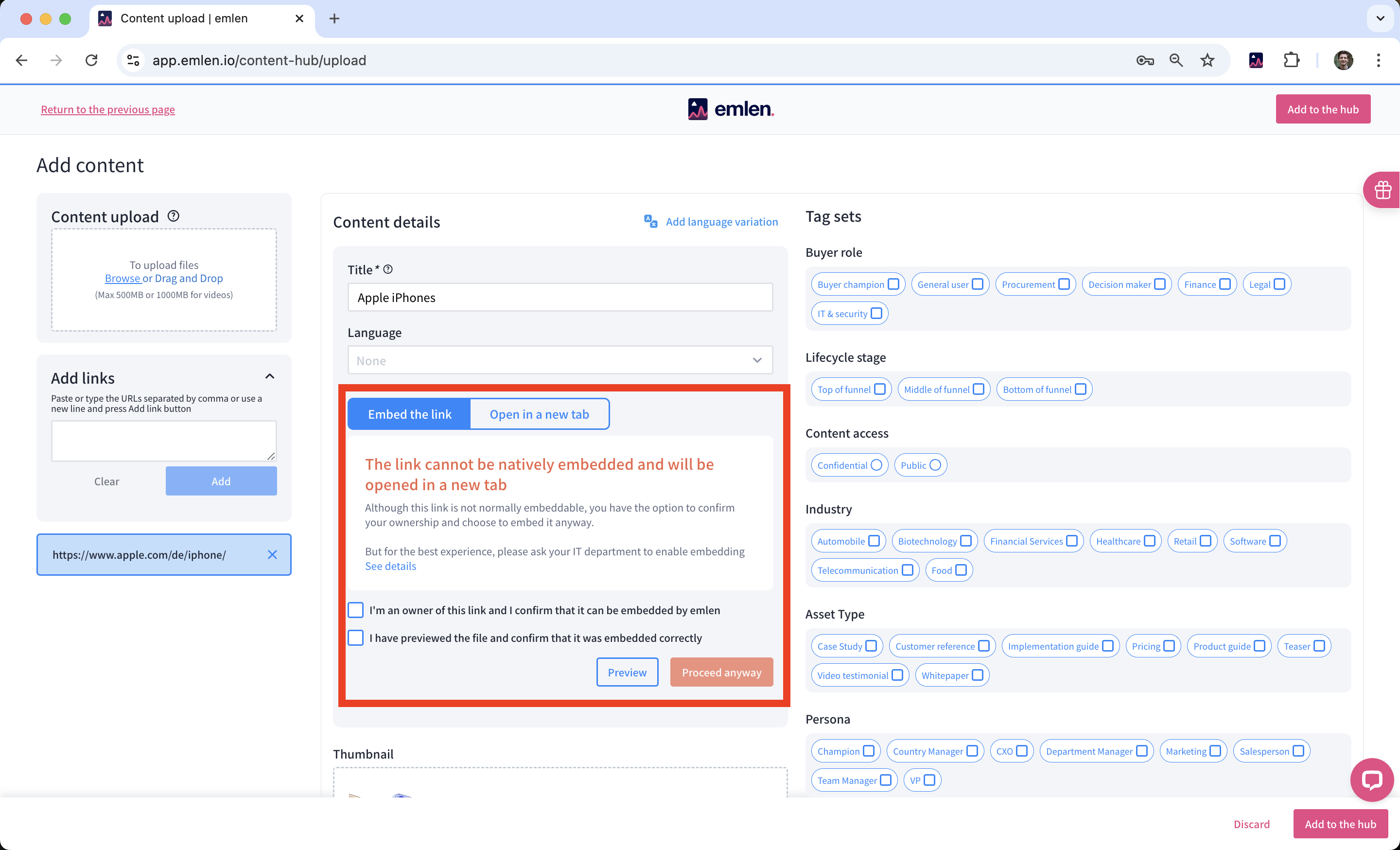
You can force embed, but this often causes display issues.
To enable embedding, ask your IT admin to adjust your website’s security headers:
- Remove the
X-Frame-Optionsheader (if present) - Add or update the
Content-Security-Policyheader with this value:frame-ancestors 'self' https://*.emlen.io - If you use an emlen custom domain, then also include that domain as
frame-ancestors 'self' https://<your-custom-domain>
Note: You’ll need to re-add any previously added link content to apply the changes.