
Create your personal profile
Before you start using emlen, set up your personal profile and adjust some settings. This lets you show your customers:
- Your name, title and profile picture
- Your contact information
- Custom Call-to-Action links (e.g. Book a call, Visit a website)
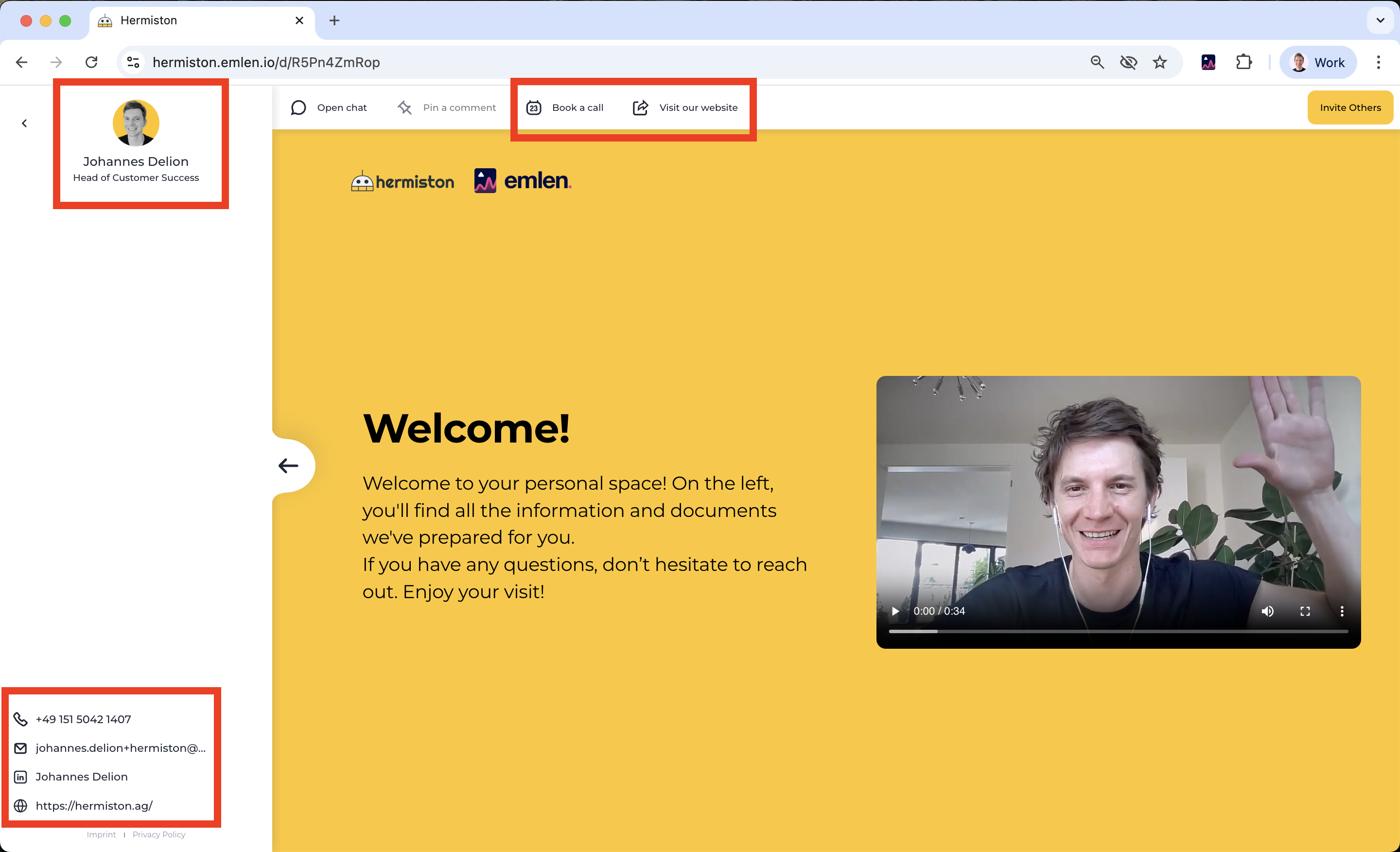
To set these up, go to your profile settings and add:
- Profile picture
- Your title
- Contact options (email, phone, LinkedIn) as desired
Next, go to your personal settings and add at least one Call-to-Action link. Some common examples are:
- Link to your online meeting calendar
- Link to your company website
- Link to your LinkedIn profile